
Appearance
Manage Bookmarks in Paperhub
Access Your Bookmarks
You can access your bookmarks in your Paperhub account. Click here to view and manage your bookmarks or navigate to "Bookmarks" in the sidebar.
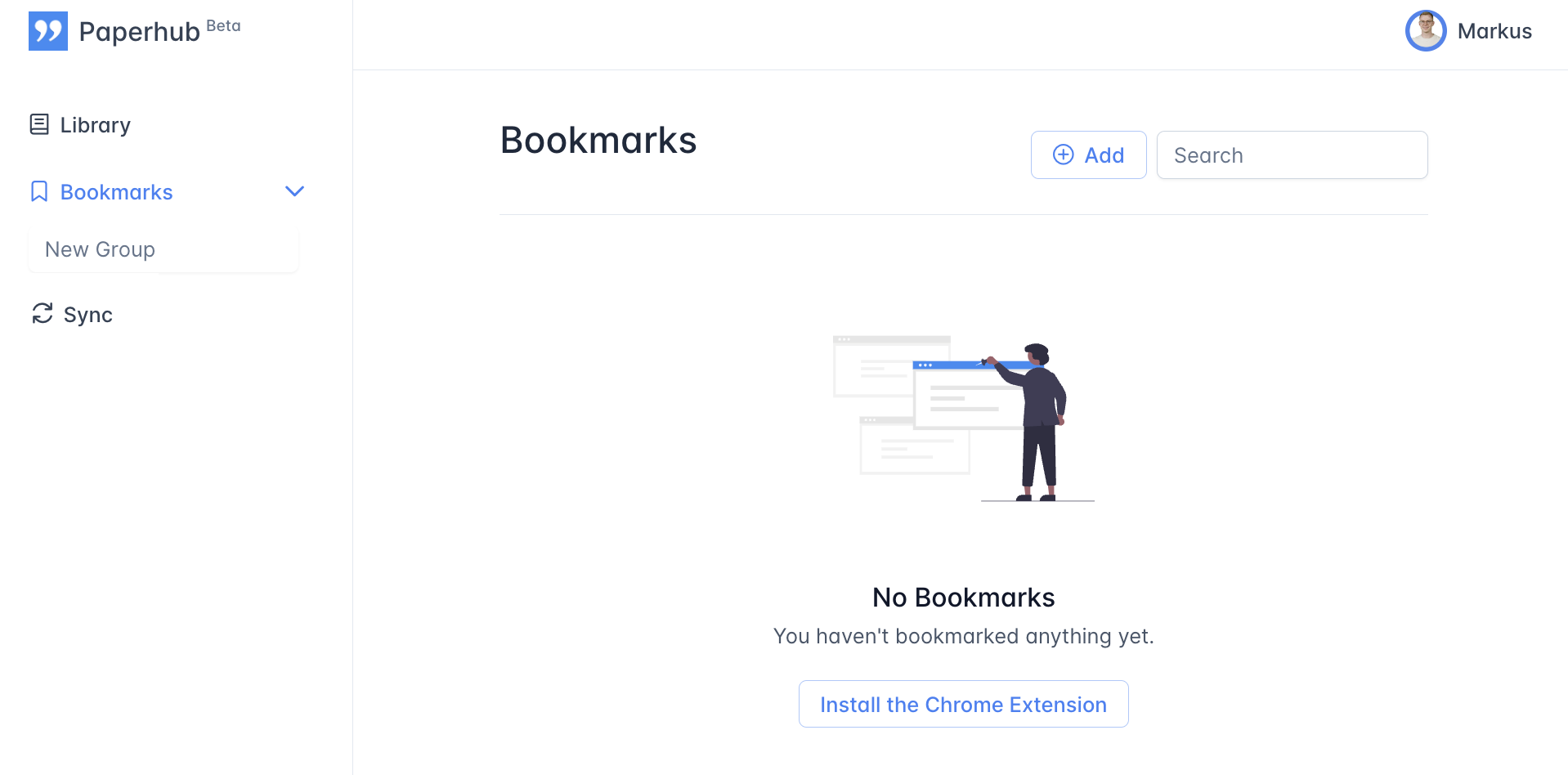
Manually add a bookmark
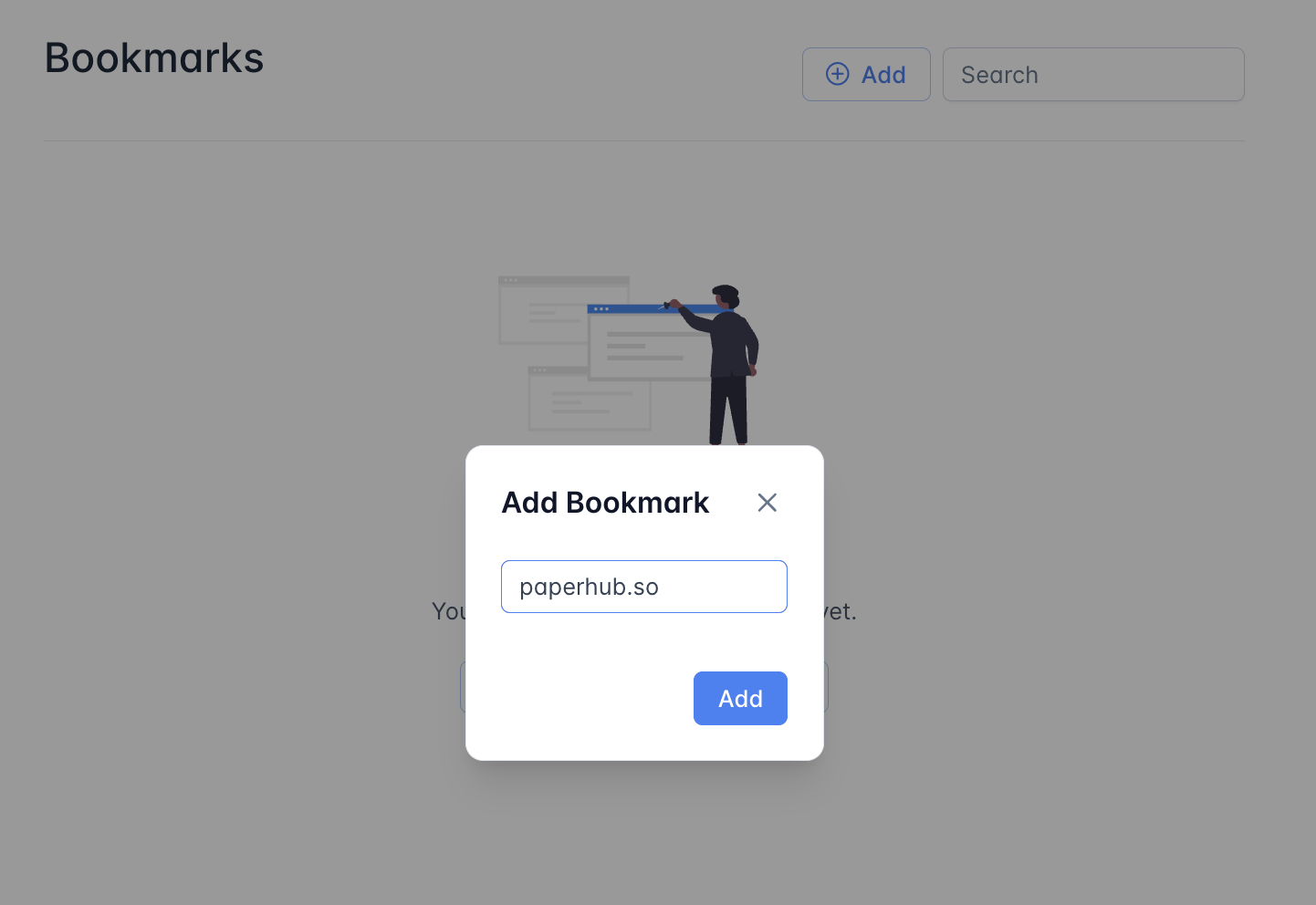
To manually add a bookmark, click on the "Add" button.
Enter the URL of the page you want to bookmark.
Click on the "Add" button.
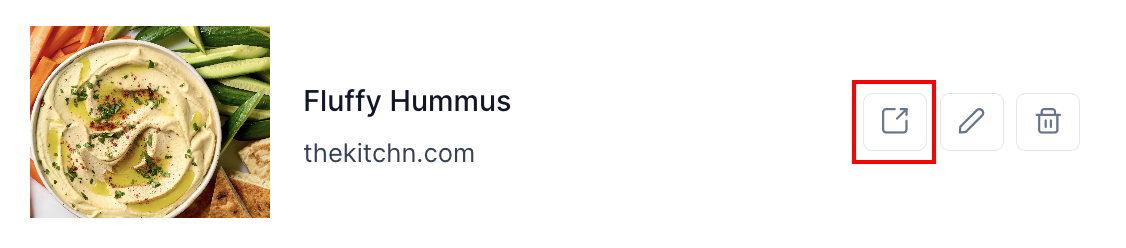
Open a bookmark in a new tab
To open a bookmark in a new tab click on the "external link" icon next to the bookmark.
Open a bookmark in Paperhub Reader
To open a bookmark in Paperhub Reader simply click on the bookmark title or cover image.
Rename a bookmark
To rename a bookmark click on the "edit" icon next to the bookmark and provide a new name.
Delete a bookmark
To delete a bookmark click on the "delete" icon next to the bookmark. The bookmark will be permanently deleted.
Delete all bookmarks in my account
CAUTION
Once you delete all your bookmarks you cannot recover them. This also deletes all bookmark groups from your account.